
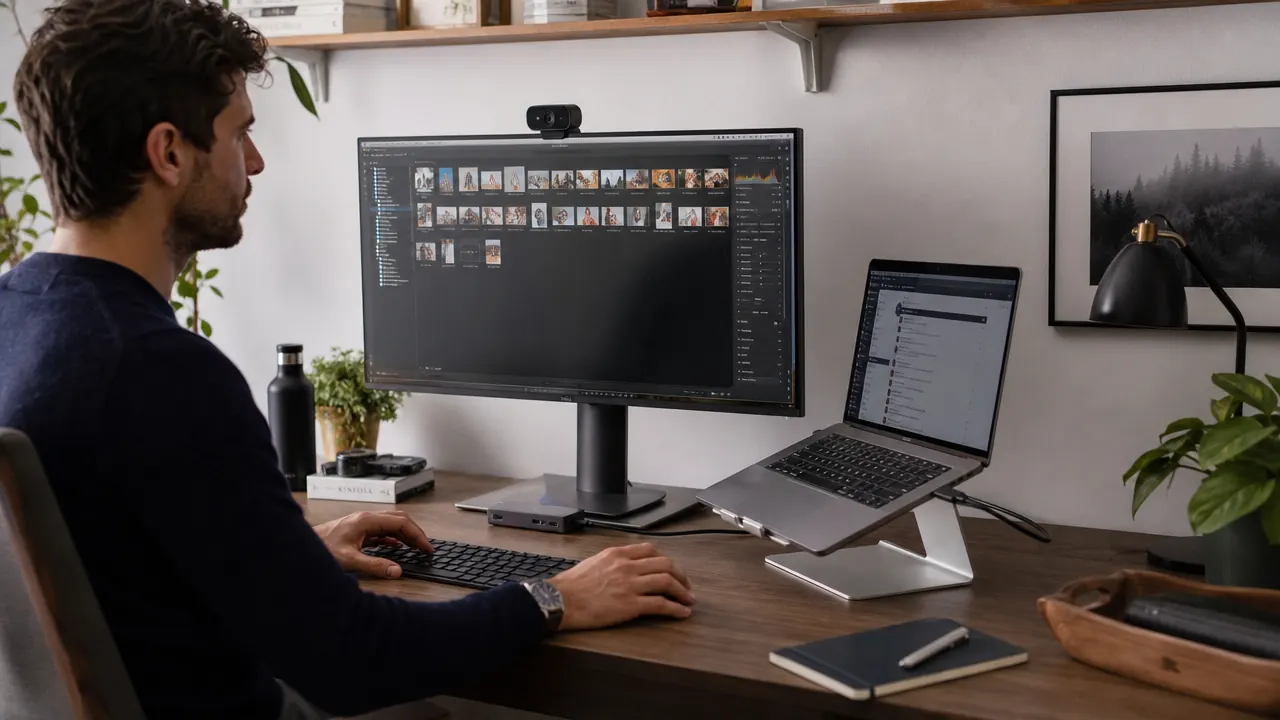
Modern laptops are slim, light, and fast. They are also stingy with ports. If you work from home on a MacBook, a Dell XPS, or any other thin laptop made in the last five years, you have probably run into the same wall: two USB-C ports, and about six things that need to plug in. Every morning it is a negotiation between your monitor, your keyboard, your mouse dongle, your phone charger, and whatever SD card or USB drive you pulled out of a drawer. A USB-C hub is the one thing that ends that negotiation for good.
The Hiearcool USB-C hub has over 51,000 ratings on Amazon and holds a 4.6-star average. It is a 7-in-1 adapter: 4K HDMI out, two USB-A ports, one USB-C data port, 100W power delivery passthrough, an SD card slot, and a microSD slot, all in a palm-sized aluminum shell. It is not the only hub on the market, but it is the one I recommend to anyone setting up or cleaning up a home office on a budget. Here are 10 specific problems it solves.
If your desk is a cable tangle, this is the first thing to fix.
The Hiearcool 7-in-1 USB-C hub has 51,000+ reviews and costs less than a lunch out. One plug replaces every dongle on your desk.
Amazon Check Today's Price on Amazon →No HDMI Port on Your Laptop
Thin laptops dropped full-size HDMI years ago. The Hiearcool hub gives you a 4K HDMI port that drives an external monitor at 3840x2160 at 30Hz, or 1080p at 60Hz if you need the smoother frame rate for video calls. You plug it in once and your monitor is always connected. No fumbling for a standalone dongle every time you sit down.
Charging Kills Your Only Free Port
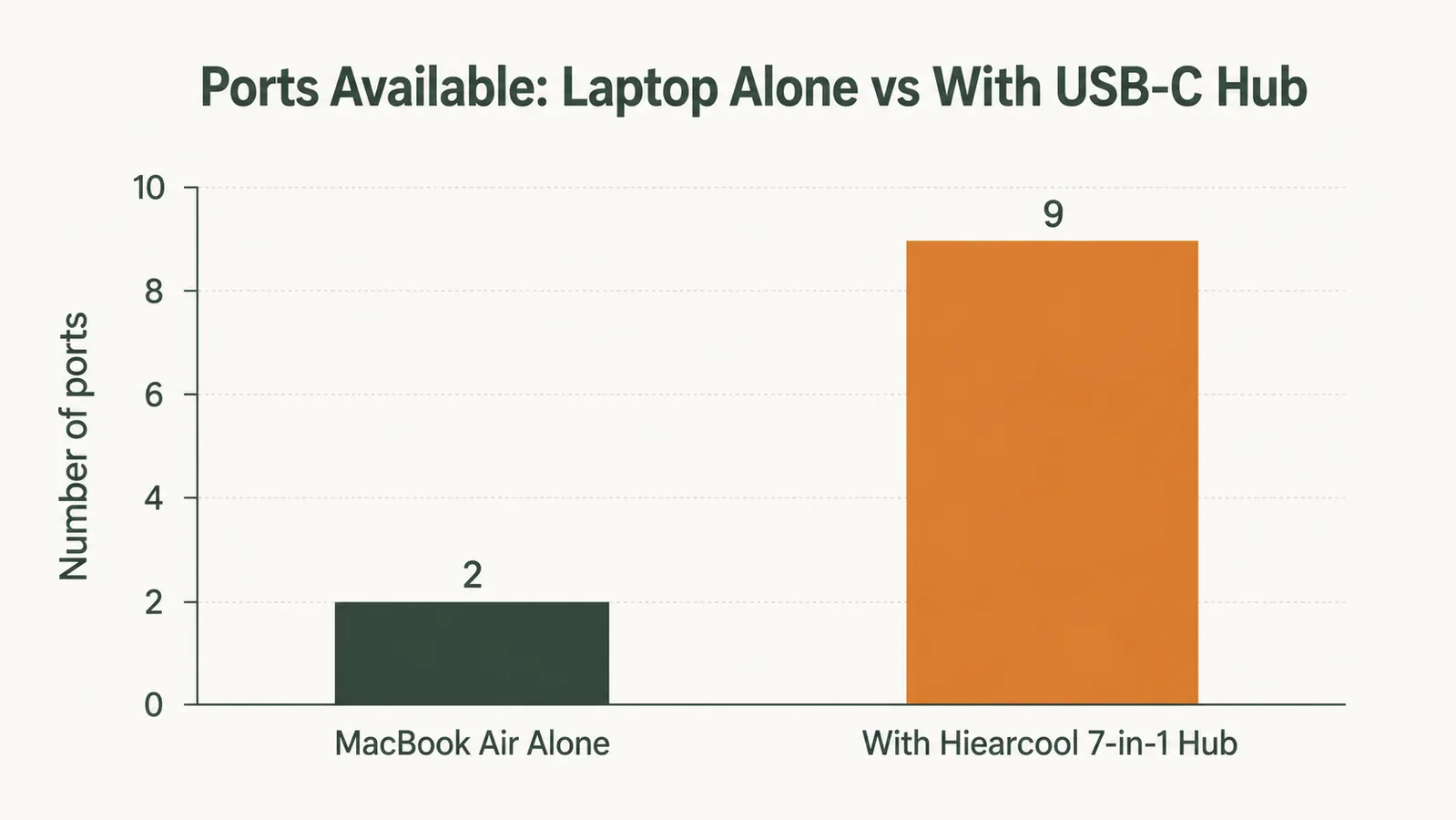
When your laptop charger plugs into a USB-C port, that port is gone. The Hiearcool solves this with 100W power delivery passthrough: your charger connects to the hub, the hub connects to your laptop, and you still have all the other ports free. Your laptop charges at full speed and you lose zero ports in the process.
Keyboard and Mouse Dongles Fight Over One Port
A wireless keyboard and a wireless mouse both use USB-A receivers. Most laptops have one USB-A port, maybe two. If you use USB-C exclusively, you have zero USB-A ports. The hub adds two USB-A 3.0 ports, so the keyboard dongle goes in one, the mouse dongle goes in the other, and nothing has to share or swap.
Slow File Transfers from a Flash Drive
Not all USB ports are equal. USB 2.0 transfers files at about 25 MB/s. The hub's USB-A 3.0 ports run at up to 5 Gbps, which is roughly 200x faster. If you move large video files, design assets, or backups between drives at your desk, the difference between plugging into a USB 2.0 slot and a USB 3.0 slot is the difference between a minute and several minutes every time.
No Way to Read an SD Card
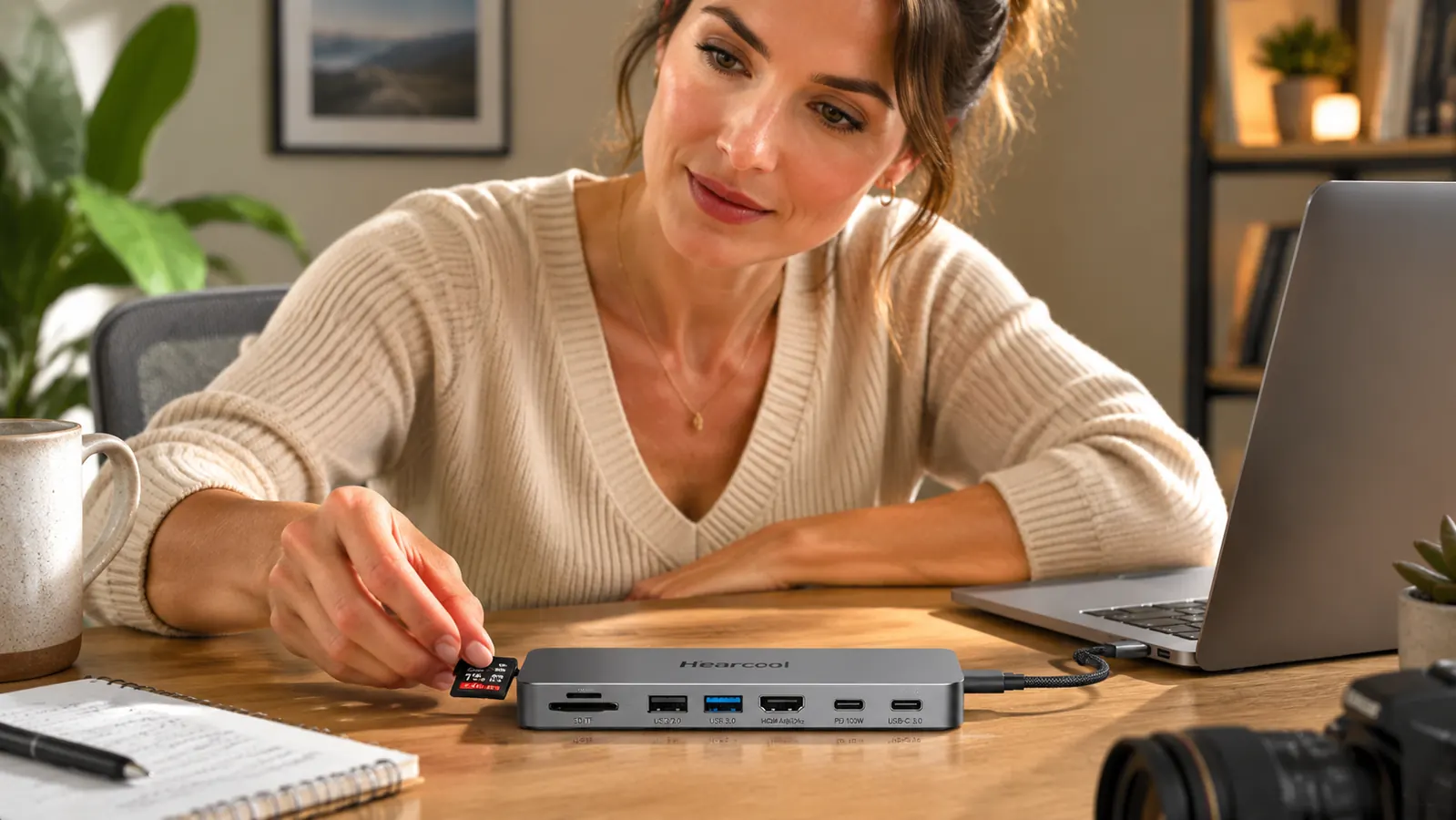
Photographers, designers, and anyone who records video on a camera knows this pain: the laptop has no SD slot, and the standalone reader is always in a different room. The Hiearcool has a full-size SD slot and a microSD slot built in. Pop the card in, drag the files over, pop it out. No extra dongle to lose.
A Pile of Separate Dongles on Your Desk
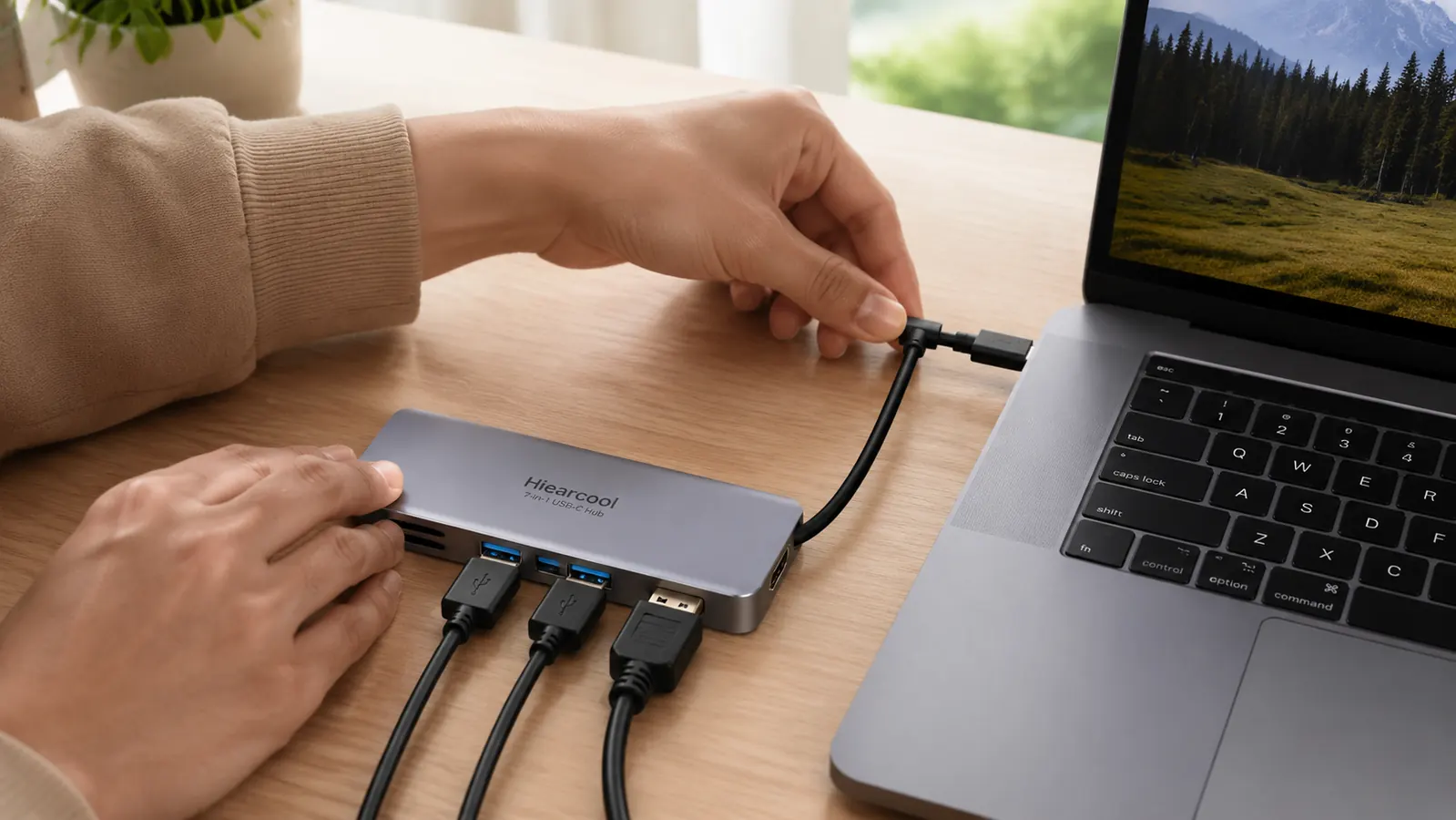
Count the adapters on your desk right now. HDMI dongle, USB-A dongle, card reader, maybe a USB-C splitter. Each one needs its own cable. Each one falls off the back of your desk. One hub replaces all of them with a single braided cable that runs from the hub to your laptop. The desk clears up. The morning setup goes from three minutes to ten seconds.
Connecting a Second Monitor Is a Whole Ordeal
Some people use two monitors with a laptop. Without a hub, that usually means hunting for a second adapter, checking compatibility, and hoping your laptop supports dual external displays. The Hiearcool handles one 4K monitor cleanly, which covers the large majority of home office setups. If you need dual extended displays, you will want to step up to a docking station, but for one monitor the hub handles it without any drama.
Plugging In a Hard Drive Means Unplugging Something Else
If your two ports are taken by your charger and your monitor adapter, and someone hands you an external hard drive, you are now playing musical ports. The hub eliminates the swapping. With two USB-A 3.0 slots and one USB-C data slot available simultaneously, you have enough room for your regular peripherals plus whatever you need to plug in at the moment.
Your Setup Takes Too Long to Pack and Unpack
If you work at a desk during the day and move to a couch or a coffee shop in the afternoon, you want to be able to grab your laptop and go without disconnecting five separate cables from five separate ports. With the hub, disconnecting your whole setup is literally one plug. Pull the hub cable, the laptop is free, everything on the desk stays exactly where it is.
You Keep Spending Money on Accessories That Partially Solve the Problem
A standalone HDMI dongle is one purchase. A card reader is another. A USB-A adapter is another. A USB splitter is another. You are now juggling four separate pieces of plastic floating around your desk. The Hiearcool 7-in-1 hub costs a fraction of that combined total and covers all of those in a single aluminum unit. It is a better value than buying partial solutions one at a time, and it actually works as a system rather than a collection of workarounds.
What I Would Skip Instead
If your work involves three monitors, frequent 4K video capture, or Thunderbolt-speed transfers between NVMe drives, a hub at this price point will frustrate you. You will want a full docking station in the higher range with dedicated chipsets for each function. The Hiearcool is not that. It is a solid general-purpose hub for everyday home office use: one monitor, standard peripherals, card reading, and fast charging. If that describes your setup, it is exactly the right tool. If you want to dig into whether a hub or a dock makes more sense for your specific situation, I broke that comparison down in the USB-C hub vs docking station guide.
One plug in, one plug out. My morning setup used to involve five separate cables. Now it is one braided cable and I am done.
If you want a deeper look at how the Hiearcool performs day to day, including the 4K output quality and how it handles power delivery under load, I covered all of that in the full Hiearcool USB-C hub review. The short version: it does what it says, it does not run hot, and at this price it is one of the easiest upgrades you can make to a home office laptop setup.
Stop paying for five adapters when one hub covers everything.
The Hiearcool 7-in-1 USB-C hub is budget-friendly and has 51,000+ reviews. One plug connects your monitor, keyboard, mouse, card reader, and charger simultaneously.
Amazon Check Today's Price on Amazon →