
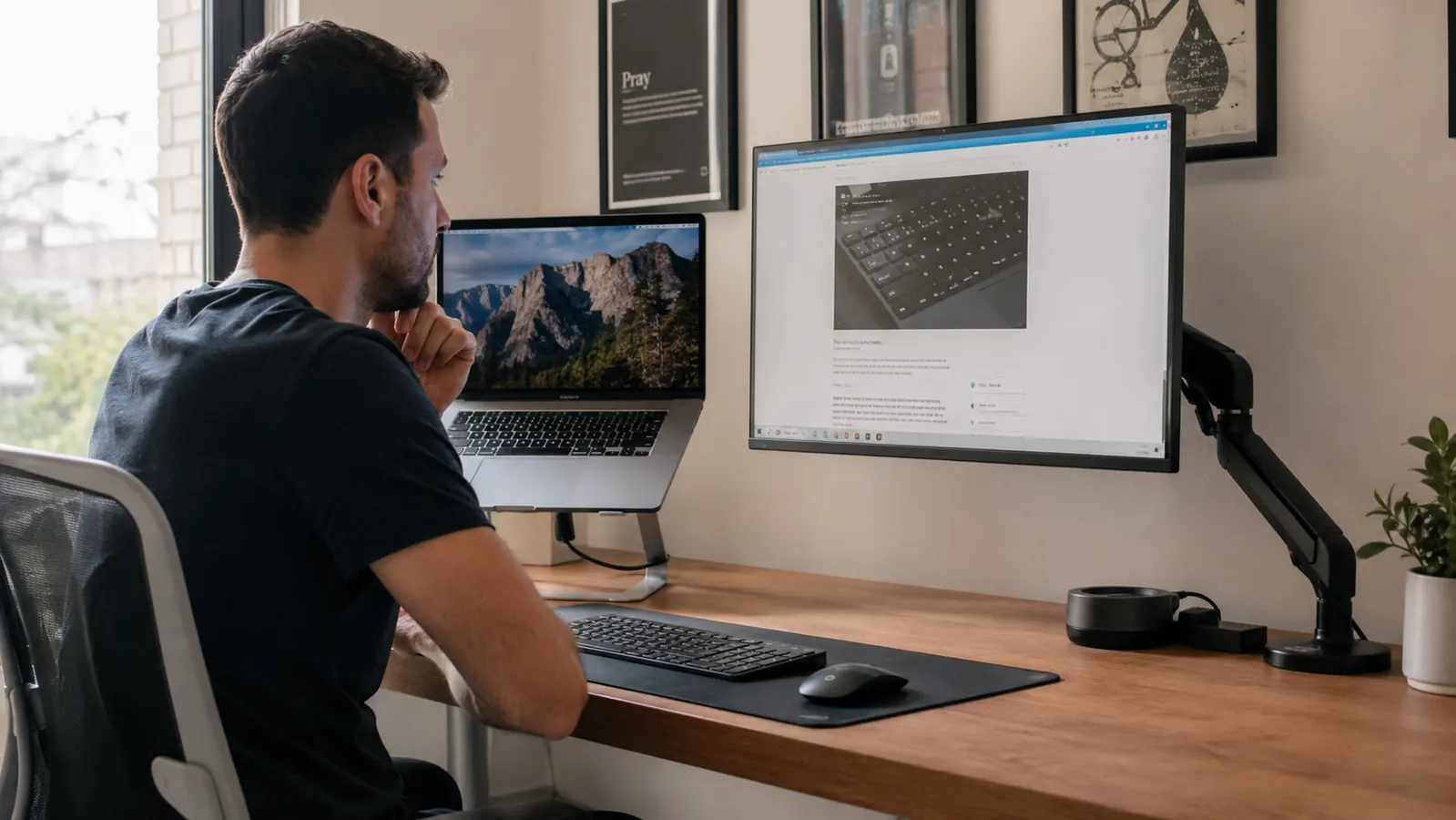
If you work from a laptop all day, you already know the feeling. By 2 PM your neck is stiff, your shoulders are rolled forward, and you keep finding yourself leaning into the screen. The laptop is too low. That is not a posture problem, it is a hardware problem, and it has two main solutions: a laptop stand or a monitor arm.
I have used both. The laptop stand I use every day is the BESIGN LS03, a simple aluminum riser that is budget-friendly and folds flat for travel. The monitor arm option I tested was more expensive, required a grommet or clamp mount, and added about 45 minutes of setup. Both raise your screen. But they are solving slightly different problems, and choosing the wrong one is an expensive mistake.
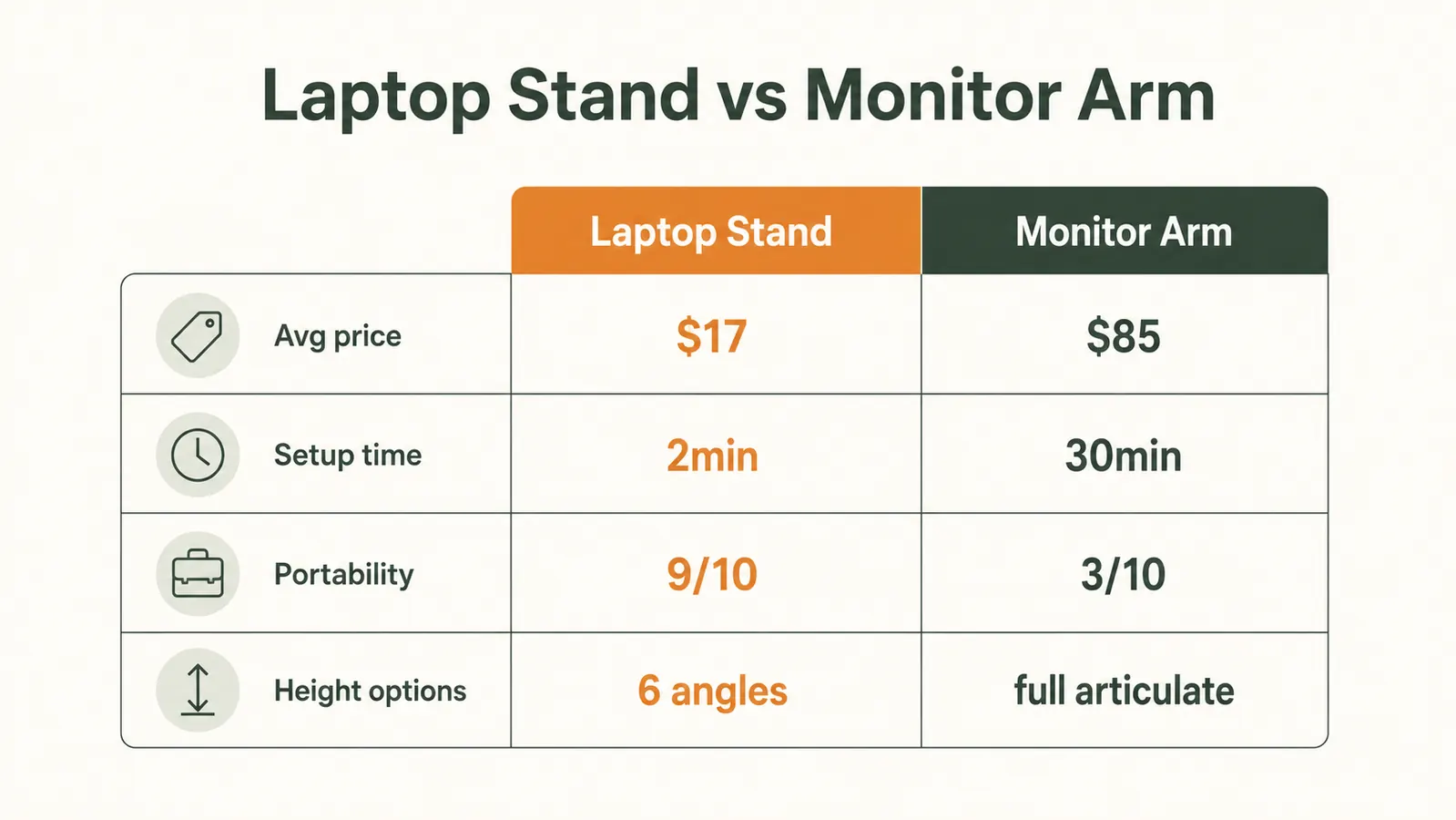
| Laptop Stand | Monitor Arm for Home Office | |
|---|---|---|
| Price | Check today's price on Amazon | Mid to upper-mid range |
| Setup time | Under 2 minutes, no tools | 30-60 minutes, tools required |
| Desk mounting | Sits on desk surface, no clamp | Requires clamp or grommet hole in desk |
| Height adjustability | Fixed angle, one height setting | Full height, tilt, and depth adjustment |
| Works with laptop lid open | Yes, screen at a raised angle | Yes, via laptop tray attachment (sold separately) |
| Portability | Folds flat, travels easily in a bag | Not portable, stays on desk |
| External keyboard required | Yes, recommended for proper posture | Yes, required |
| Best for | Laptop as main computer, budget-conscious, renters | Laptop permanently docked, heavy multitasker needing precise positioning |
Where the BESIGN LS03 Laptop Stand Wins
The first win is price. For a budget-friendly cost, the BESIGN LS03 gives you a solid aluminum build that does not wobble, does not scratch your laptop, and holds every laptop I have put on it without any flex. The rubber grips on the top arms keep the machine in place even when you are typing hard. That is the baseline, and a lot of laptop stands do not even meet it.
The second win is simplicity. You unfold it, set it on the desk, and put your laptop on it. There is no clamp, no threading a pole through a grommet hole, no torque adjustment. If you rent your home office space, if you move frequently, or if you just do not want to modify your desk in any way, a laptop stand is the only reasonable answer. I travel with mine every time I work from a hotel or a coffee shop. The monitor arm stays home permanently.
The third win is practicality for most laptop setups. Most people who use a laptop at a desk are not docking a laptop in the same fixed spot every day. They take it to meetings, they use it on the couch occasionally, they travel. A laptop stand that folds flat fits that workflow. A monitor arm does not.
Your neck has been hurting all week. The fix is cheap and takes two minutes.
The BESIGN LS03 raises your laptop screen to eye level instantly. No tools, no desk damage, no commitment. Over 23,000 buyers and a 4.8-star rating back it up.
Amazon Check Today's Price on Amazon -> →
Where the Monitor Arm Wins
A monitor arm gives you something a laptop stand cannot: full three-dimensional positioning. You can push the screen far back when you are on a call, pull it close when you are reading small text, raise it higher for a standing desk setup, or tilt it to reduce glare at a very specific angle. If you are genuinely spending 8-10 hours a day in one fixed location and you have a desk you own outright, the monitor arm's precision justifies its cost and installation.
The monitor arm also frees up more desk surface area once it is mounted, because the stand footprint disappears and the arm holds the screen out over the edge. If desk space is your primary problem and portability is not a concern, a monitor arm solves both the height issue and the clutter issue at the same time. That said, you still need a laptop tray attachment (typically sold separately) to use a monitor arm with a laptop, and the best laptop tray attachments alone can cost more than the BESIGN LS03 stand.
A monitor arm solves a different problem than a laptop stand. If your laptop does not always live in the same spot on the same desk, the stand wins every time.
What Neither One Tells You Upfront
Both a laptop stand and a monitor arm require an external keyboard and mouse to be useful. The whole point of raising your screen is to get your eyes at or near the top third of the display without leaning forward. If you raise the laptop but keep typing on its built-in keyboard, you have just traded neck strain for wrist strain. Plan for an external keyboard as part of the setup either way. That is not a knock on either option, it is just the part most comparison guides skip.
There is also a ventilation benefit to the laptop stand that is easy to overlook. The BESIGN LS03 lifts the bottom of the laptop off the desk surface, which lets the cooling vents underneath actually do their job. If your laptop runs hot, especially during video calls or anything CPU-intensive, the elevated angle reduces thermal throttling. I noticed this immediately when I moved from working with my laptop flat on the desk to using the stand. Fan noise dropped, and the machine ran faster for longer.

Who Should Buy the Laptop Stand
If you use a laptop as your main work computer, you move it regularly, you rent your space or do not want to drill into your desk, and you are not looking to spend heavily on a single ergonomic accessory, the laptop stand is the right call. The BESIGN LS03 specifically is the version I recommend because the aluminum construction does not flex, the folding mechanism is solid after months of daily use, and the budget-friendly price leaves room in your budget for the external keyboard you will also need. You can read a deeper breakdown in our full BESIGN LS03 laptop stand review.
Who Should Buy the Monitor Arm
If you have a permanent home office with a desk you own, you stay in the same spot every single day, you do not travel with your laptop, and you want maximum flexibility in screen positioning, a monitor arm is worth the investment and the setup time. You will also want to budget for a quality laptop tray attachment. If you are pairing your laptop with an external monitor, a monitor arm for the external monitor makes excellent sense. Using a monitor arm to hold the laptop itself, though, is usually overkill for most home office setups.
If you are unsure which category you fall into, ask yourself this: does your laptop sleep in a bag at least once a week? If yes, get the stand. If it has not moved from your desk in six months, the arm might serve you better over the long run. For most remote workers and hybrid professionals reading this, the laptop stand wins on value, convenience, and flexibility. See how it fits into a full ergonomic setup in our guide to setting up an ergonomic laptop workstation.
Skip the pricey arm. Get your screen to eye level for less today.
The BESIGN LS03 aluminum laptop stand is the most practical upgrade for laptop users working from home. Folds flat, sets up in seconds, and your neck will notice the difference by end of day.
Amazon Check Today's Price on Amazon -> →